Pick your device below and follow the steps. Most setups take under five minutes. If you get stuck at any point, message us on WhatsApp and we will walk you through it, or check the FAQ.
Before you start, have your login details ready. After you subscribe we send you a username, a password and a server URL on WhatsApp. Every setup below uses those three things. Don't have them yet? See the plans.
 Samsung Smart TV
Tizen OS
Read the guide
Samsung Smart TV
Tizen OS
Read the guide
 LG Smart TV
webOS
Read the guide
LG Smart TV
webOS
Read the guide
 Android TV
Sony, Philips, TCL and others
Read the guide
Android TV
Sony, Philips, TCL and others
Read the guide
 Google TV
Chromecast with Google TV
Read the guide
Google TV
Chromecast with Google TV
Read the guide
 Amazon Fire TV Stick
All Fire TV models
Read the guide
Amazon Fire TV Stick
All Fire TV models
Read the guide
 Xiaomi TV Box S
Mi Box and Mi Stick
Read the guide
Xiaomi TV Box S
Mi Box and Mi Stick
Read the guide
 Apple TV
 HD and 4K
Read the guide
Apple TV
Apple TV HD and 4K
Read the guide
 Android TV Box
Any generic Android box
Read the guide
Android TV Box
Any generic Android box
Read the guide
 Roku / Roku TV
Native Roku app
Read the guide
Roku / Roku TV
Native Roku app
Read the guide
 MAG Box
Infomir MAG series
Read the guide
MAG Box
Infomir MAG series
Read the guide
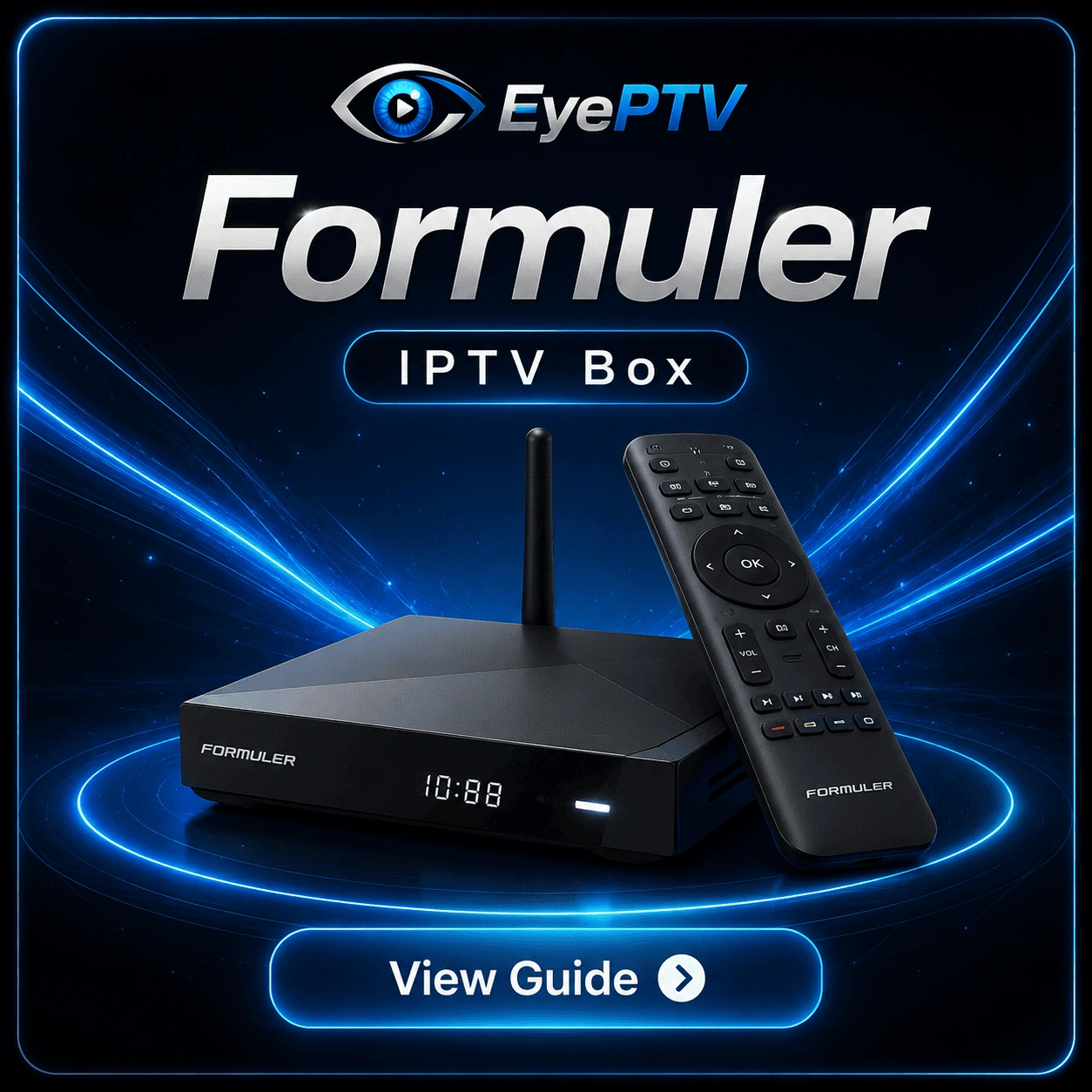 Formuler
Z8, Z10, Z11 and newer
Read the guide
Formuler
Z8, Z10, Z11 and newer
Read the guide
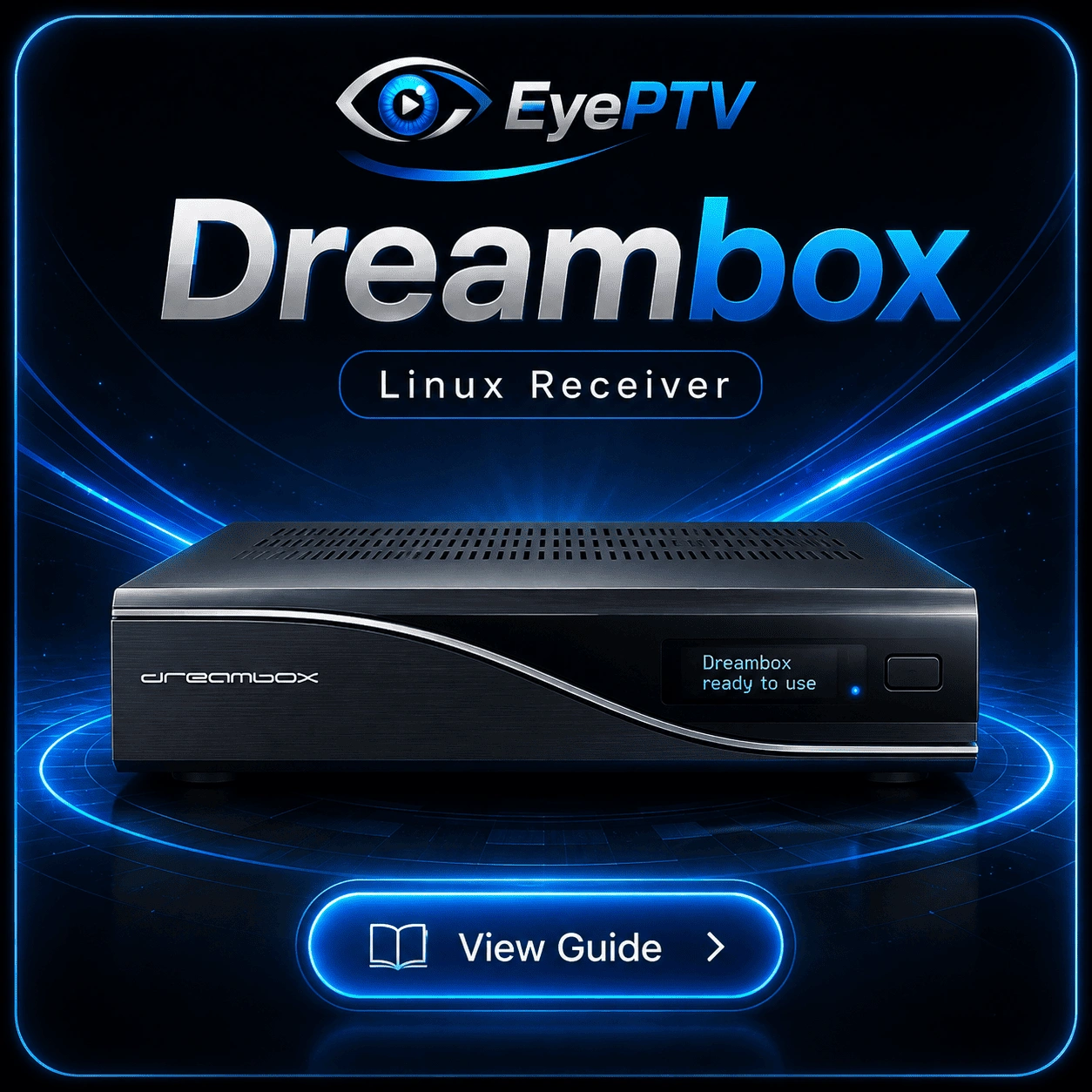 Dreambox
Enigma2 / DreamOS
Read the guide
Dreambox
Enigma2 / DreamOS
Read the guide
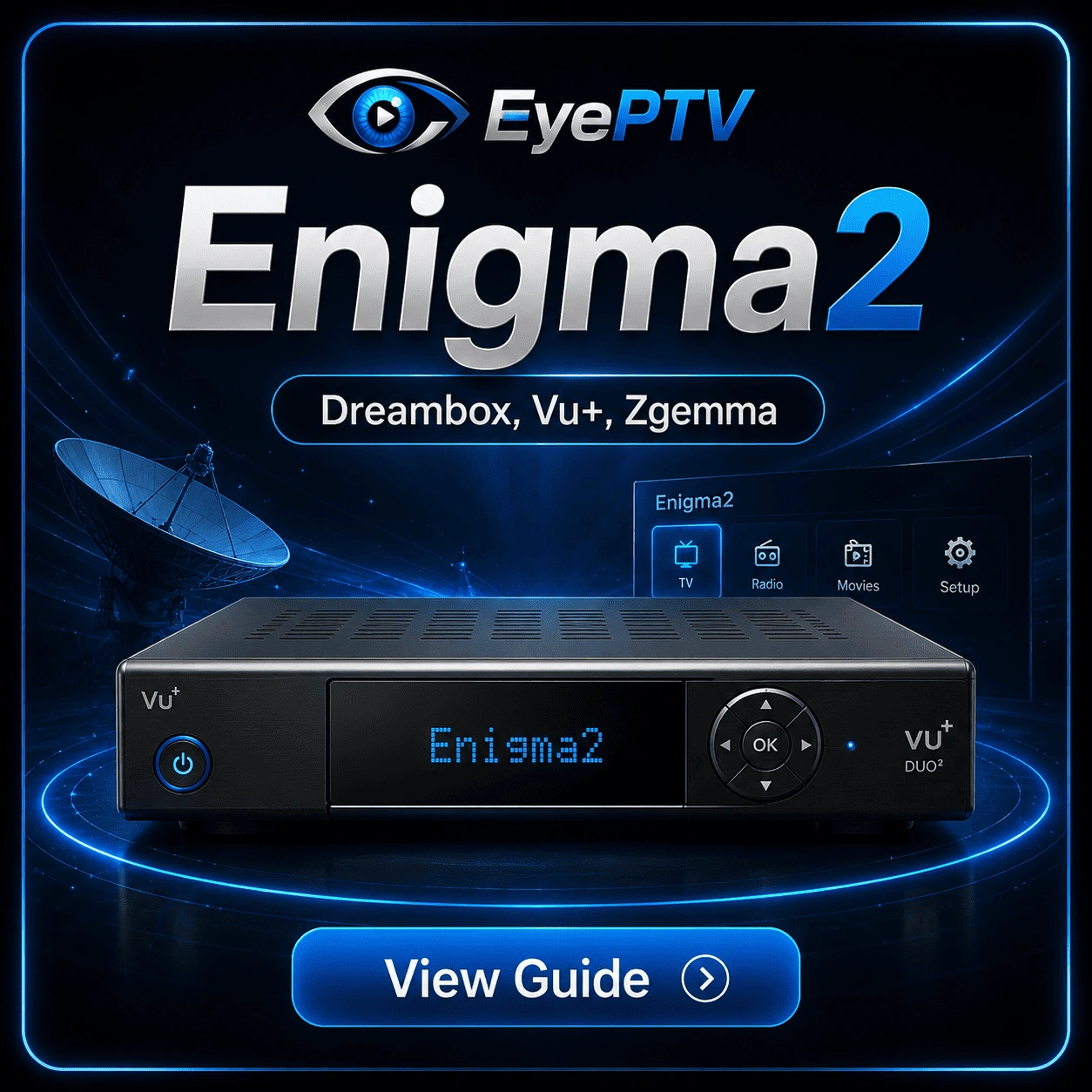 Enigma2
Vu+, Zgemma, Octagon and more
Read the guide
Enigma2
Vu+, Zgemma, Octagon and more
Read the guide
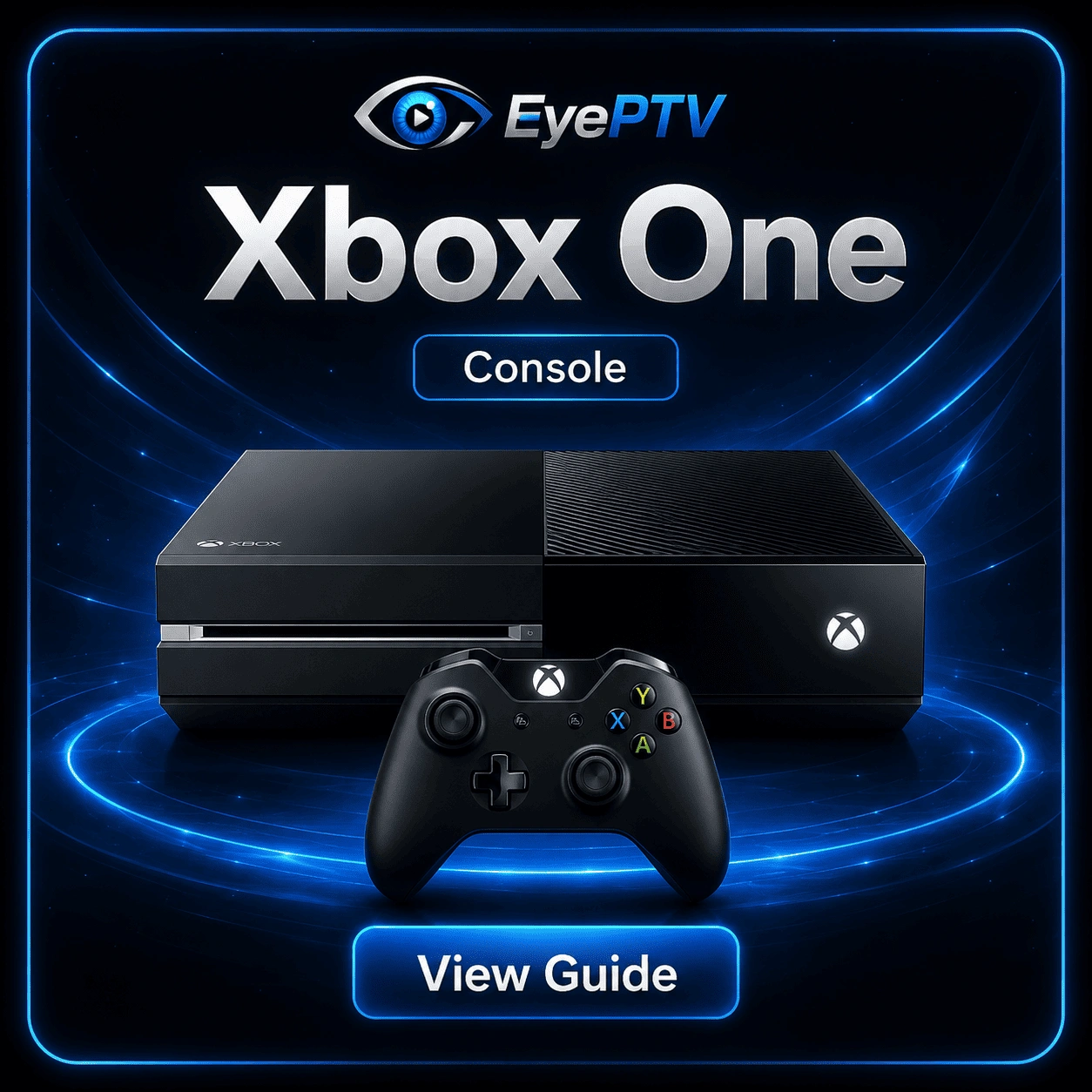 Xbox One
 and Series X/S
Read the guide
Xbox One
Xbox One and Series X/S
Read the guide
 PlayStation 5
Read this before you start
Read the guide
PlayStation 5
Read this before you start
Read the guide
 Android Phone & Tablet
Android 5.0 and newer
Read the guide
Android Phone & Tablet
Android 5.0 and newer
Read the guide
 iPhone & iPad
iOS 13 and newer
Read the guide
iPhone & iPad
iOS 13 and newer
Read the guide
 Windows
 10 and 11
Read the guide
Windows
Windows 10 and 11
Read the guide
 Mac
Check your chip first
Read the guide
Mac
Check your chip first
Read the guide