Three App Store players work well with EyePTV. Pick one — you don't need all three. If you have no reason to prefer another, use Smarters Player Lite: it takes your login directly in the app, with no website step in the middle.
All three are players. None include channels — they play the login we give you. Pick whichever suits, then follow only that option below.
The least friction of the three, and the same app we recommend on Apple TV — so one login and one interface across your whole Apple setup. Xtream Codes details go straight in; no website, no device ID.
Worth it if you already hold an IBO licence from a TV or box, since the account carries over. The playlist is added through a website using the device ID rather than inside the app, so it's a couple of steps more.
The one that runs on older hardware. If your iPad is stuck on iOS 13 or 14 and can't install the other two, this is your option. Playlist goes on through hotplayer.app/upload.
Check your iOS version first if you're on an older device: Settings → General → About. Smarters needs 15.6, ibo Pro needs 15.0, Hot Player goes back to 13.0.
The steps below restart at 1 for each option. That's deliberate — follow one set start to finish and ignore the other two. Installing all three won't help and just makes it unclear which one is actually connected to your account.
Search the App Store for Smarters Player Lite and tap Get. Check the developer reads WHMCS SMARTERS — App Store ID 1628995509.
Needs iOS 15.6 or iPadOS 15.6 and up.
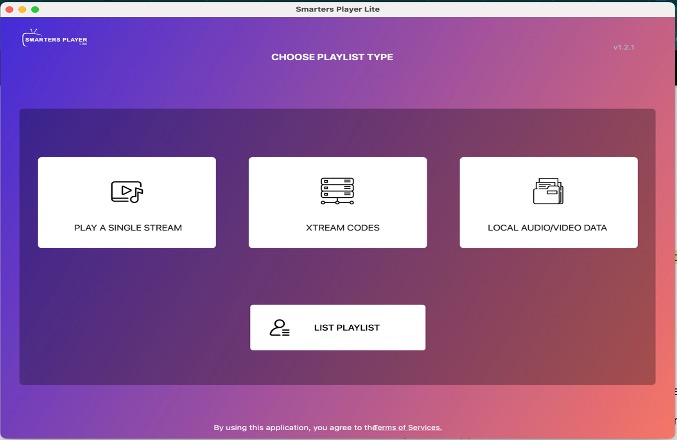
Open the app, accept the terms if it shows them, then pick Xtream Codes or Login with Xtream Codes API.
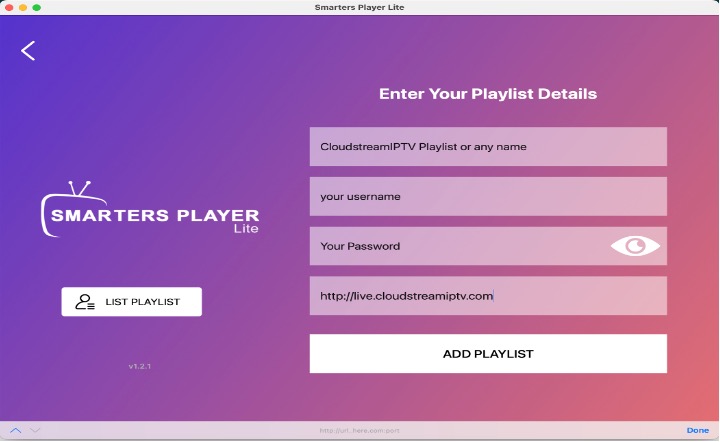
Any Name: type EyePTV. Then the Username, Password and Server URL exactly as we sent them. Tap Add User.
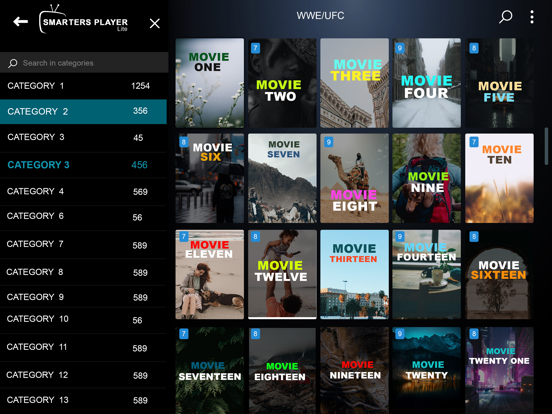
The app checks the login and pulls in your content. Live TV, Movies, Series and the other sections in your package appear on the dashboard. That's it.
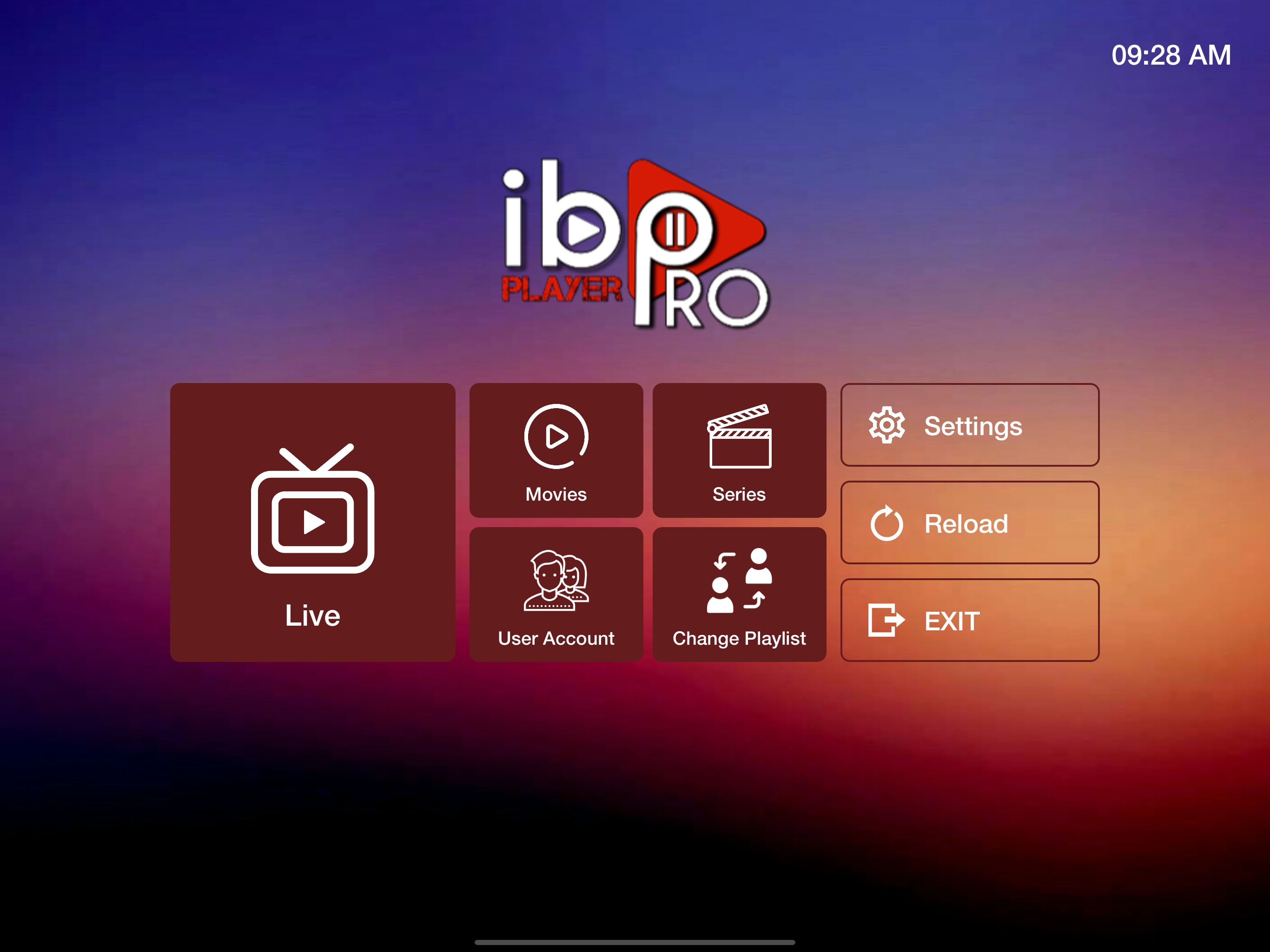
Search the App Store for ibo Pro Player and tap Get. Check the developer reads IRBOETECH CO. LTD — App Store ID 6449647925. Needs iOS or iPadOS 15.0 and up.
Pick this one if you already hold an IBO licence from a TV or box, since the same account carries across. Otherwise Option 1 is fewer steps.
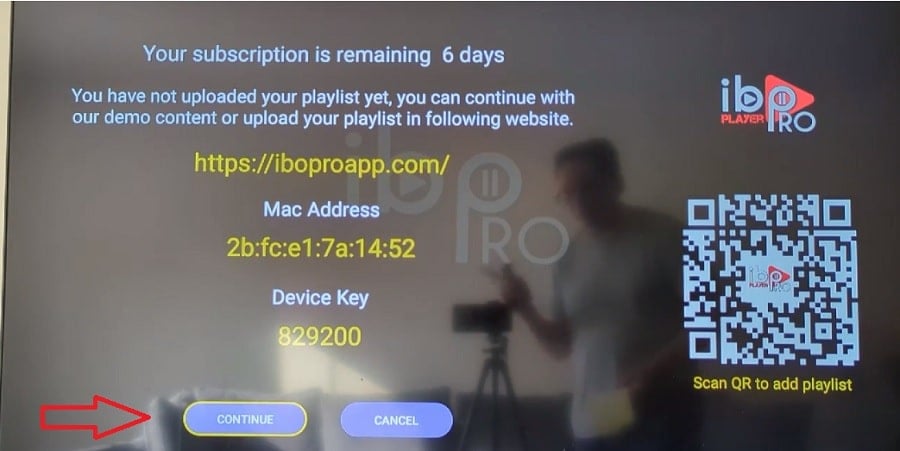
Open the app and write down the MAC Address / Device ID and Device Key it displays. Keep them private — they work like a password for your player.
This app manages playlists through a website rather than in the app. Open the address the app shows on screen, enter the device details it asks for, and create a playlist named EyePTV.
Paste the complete M3U / M3U8 URL we sent you, then save.
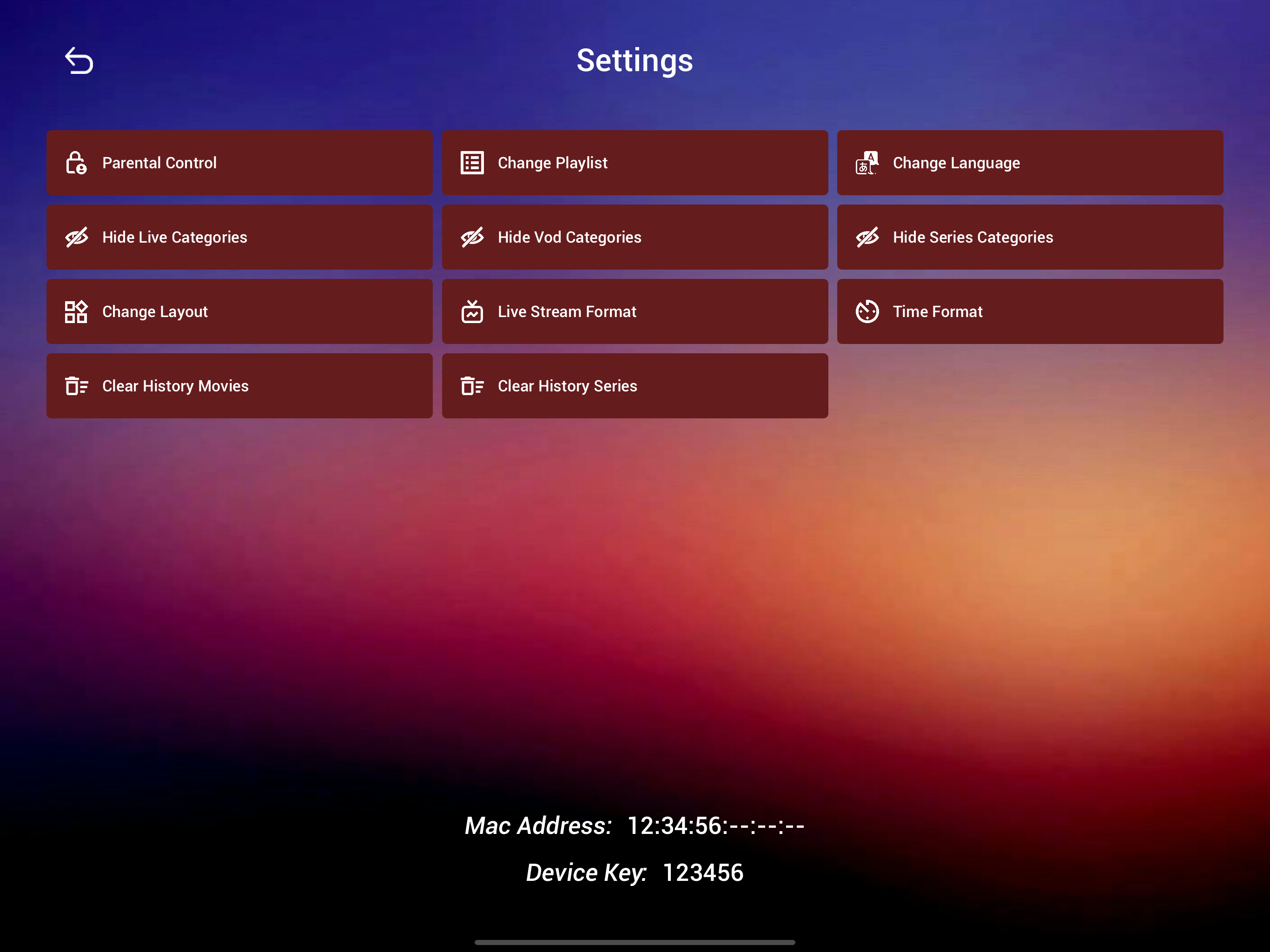
Go back to ibo Pro Player and use Reload or Refresh, or fully close and reopen it. Your EyePTV content appears.
Its App Store listing lists favourites, subtitle and audio track selection, and parental controls if you want them.
Search the App Store for Hot Player and tap Get. Check the developer reads STE DIGI VIBES — App Store ID 6695762404.
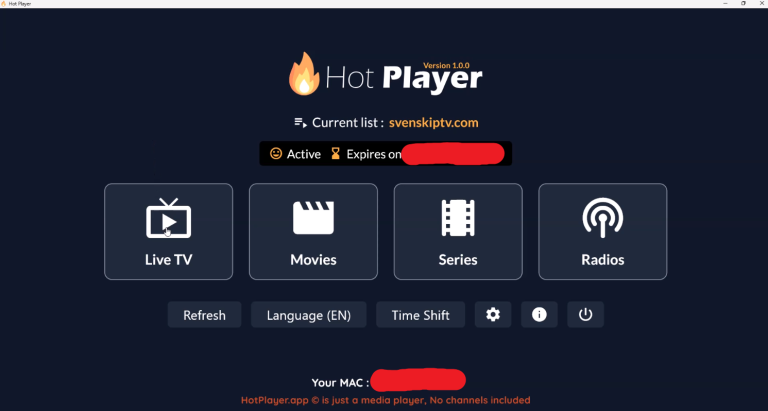
On first launch the app shows a MAC Address / Device ID. Copy it exactly — this is what links your playlist to this device.

Go to hotplayer.app/upload, enter the device ID the app showed you and tap Next.
Pick the format that matches what we sent you — the M3U link, or the Xtream server details. Name the playlist EyePTV and save.
Back in Hot Player, tap Refresh, or close it fully and reopen. Your EyePTV playlist loads.
The six things that go wrong on iPhone and iPad, and how to fix them.
Check your iOS version under Settings → General → About. Smarters needs 15.6, ibo Pro needs 15.0. If your device can't go that far, Hot Player runs on iOS 13.
Almost always a copied space at the end of a field. Paste each value again and check the very end of the server URL. Use exactly the http or https and the port number we sent.
Give it a minute on the first load, then pull to refresh. If it's still empty, send us a screenshot of the account screen and we'll check it against your subscription.
Expected on iOS — video pauses when the app goes to the background. Use picture-in-picture if the app supports it, or keep the screen on while watching.
Usually yes from within the player, but it's a poor substitute for setting the TV up directly. If the TV is the real target, we have a guide for whatever it is — including Apple TV, which runs the same app natively.
Only if your plan includes more than one connection. Installing the app on a second device doesn't add one. Message us if you need a second stream.
Send us a screenshot on WhatsApp and tell us which of the three players you went with.
Get help on WhatsAppThree of the screenshots come from the apps' own App Store listings; the rest come from public pages showing these players, and each credits its source underneath. None are AI-generated. Where a current iOS screen wasn't publicly available we've used an interface example from the same app on another platform, and said so in the caption. App Store IDs, developers and minimum iOS versions checked August 2026.