Two players in the Microsoft Store work well with EyePTV. Pick one — you don't need both. Ibo Player Pro is the one we'd start with, because on most builds you can enter your login inside the app instead of going through a website.
Both are third-party players from the Microsoft Store. Neither includes channels — they play the login we give you.
Where your build exposes it, you enter the server URL, username and password directly in the app. That's one less place to go wrong. If your build doesn't expose it, there's a web fallback using the device key.
Solid player, but the playlist always goes on through hotplayer.app using the PC's device ID — there's no in-app entry. Pick it if Ibo Player Pro isn't available on your account, or if you already use HotPlayer elsewhere.
Not a real IPTV player — no guide, no categories, no favourites. But it opens an M3U link in seconds, which makes it the fastest way to prove your subscription works. See the box below the steps.
The steps below restart at 1 for each option. Follow one set start to finish and ignore the other. Store availability can vary by Windows version, architecture and account region — if one app won't install, use the other.
Open the Microsoft Store and search Ibo Player Pro. The product ID is 9MSNK97XPVRK, published by IRBOETECH — check that before you install, since several apps use similar names.
Select Get, then Open.
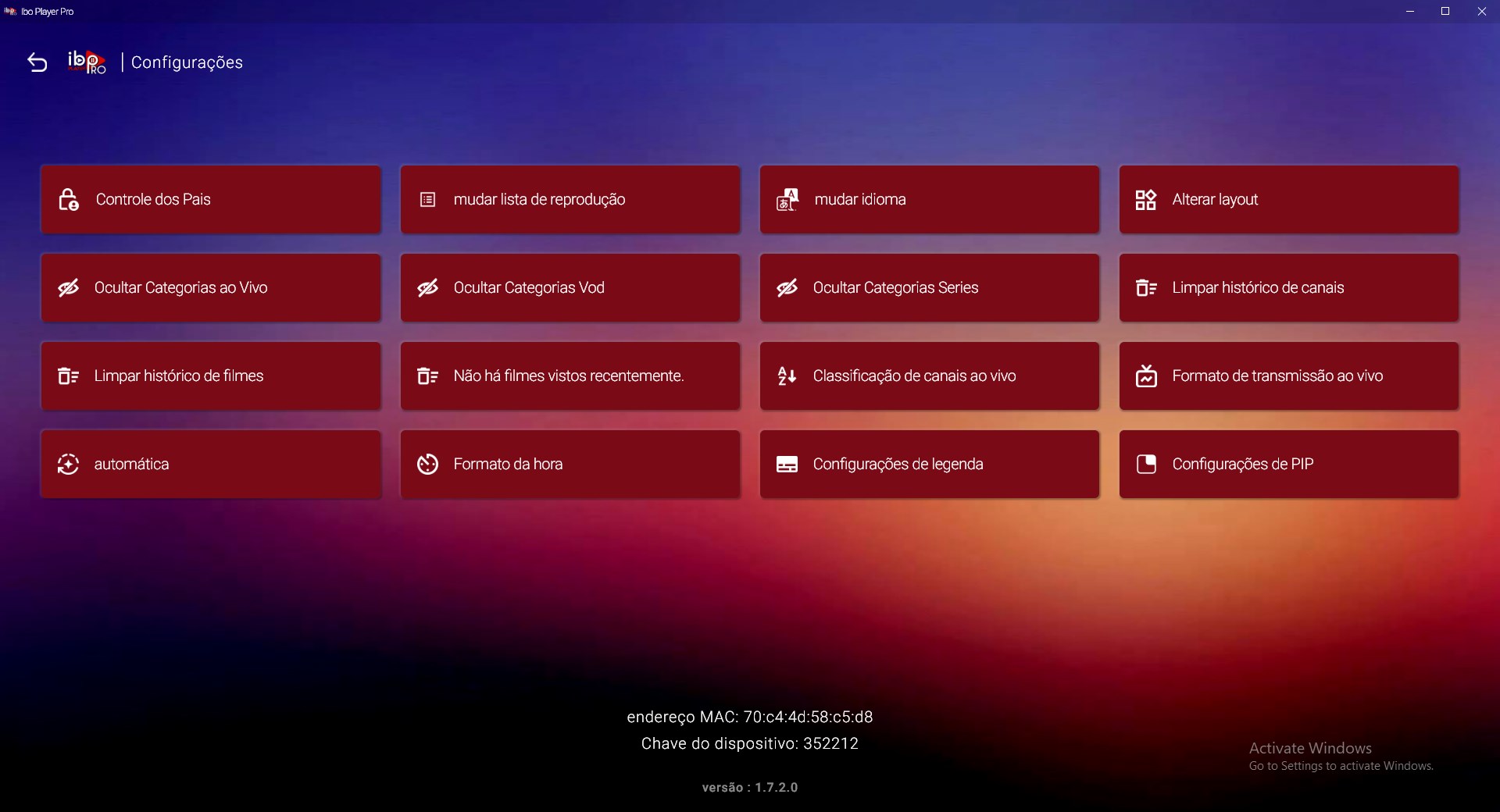
The app shows a MAC Address and a Device Key. Write both down — you'll need them if you end up using the web manager in step 5.
Keep them private. They work like a password for your player.
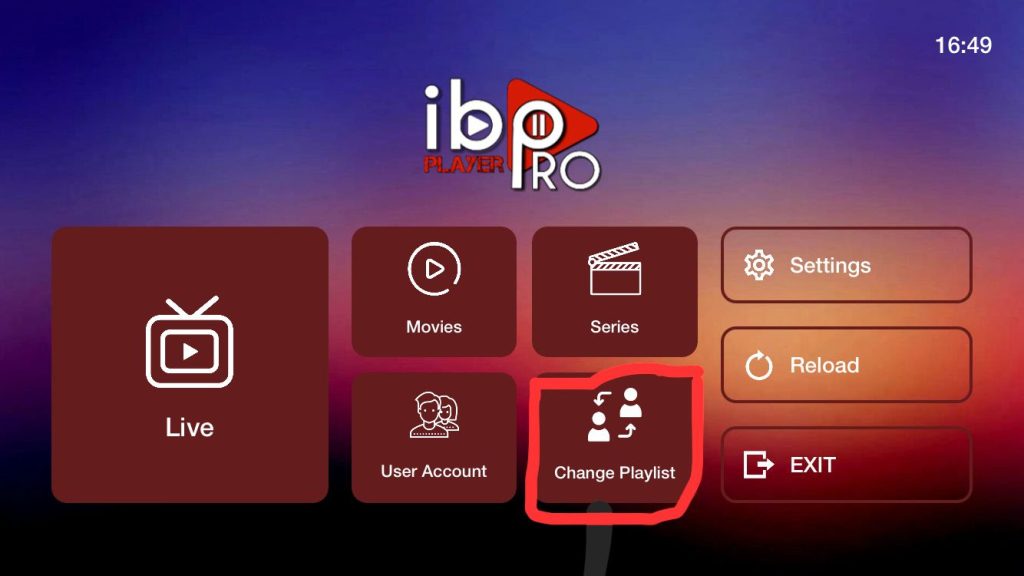
Select Change Playlist or Manage Playlist. If your build offers setup inside the app, choose Add Playlist → Xtream Codes and go to step 4.
If it doesn't offer that, skip to step 5 — you'll add the playlist on the website instead.
Name it EyePTV, then enter the server URL, username and password we sent you. Select Add Playlist or Save.
That's you done — skip step 5 and go straight to step 6.
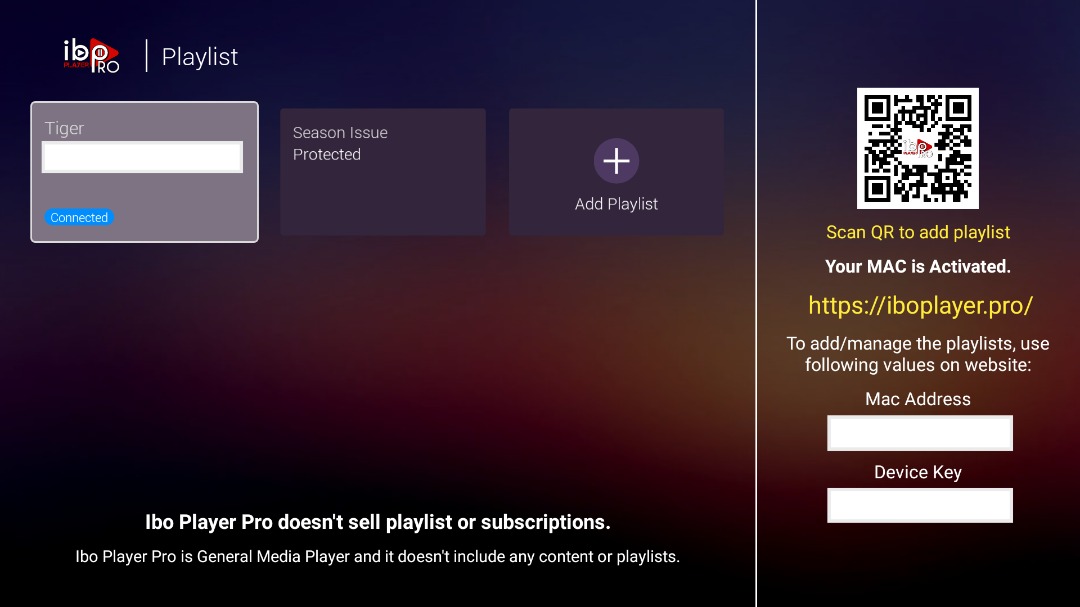
Open the management page the app shows on screen, sign in with the MAC Address and Device Key from step 2, add the EyePTV playlist and save.
Then close Ibo Player Pro completely and reopen it.
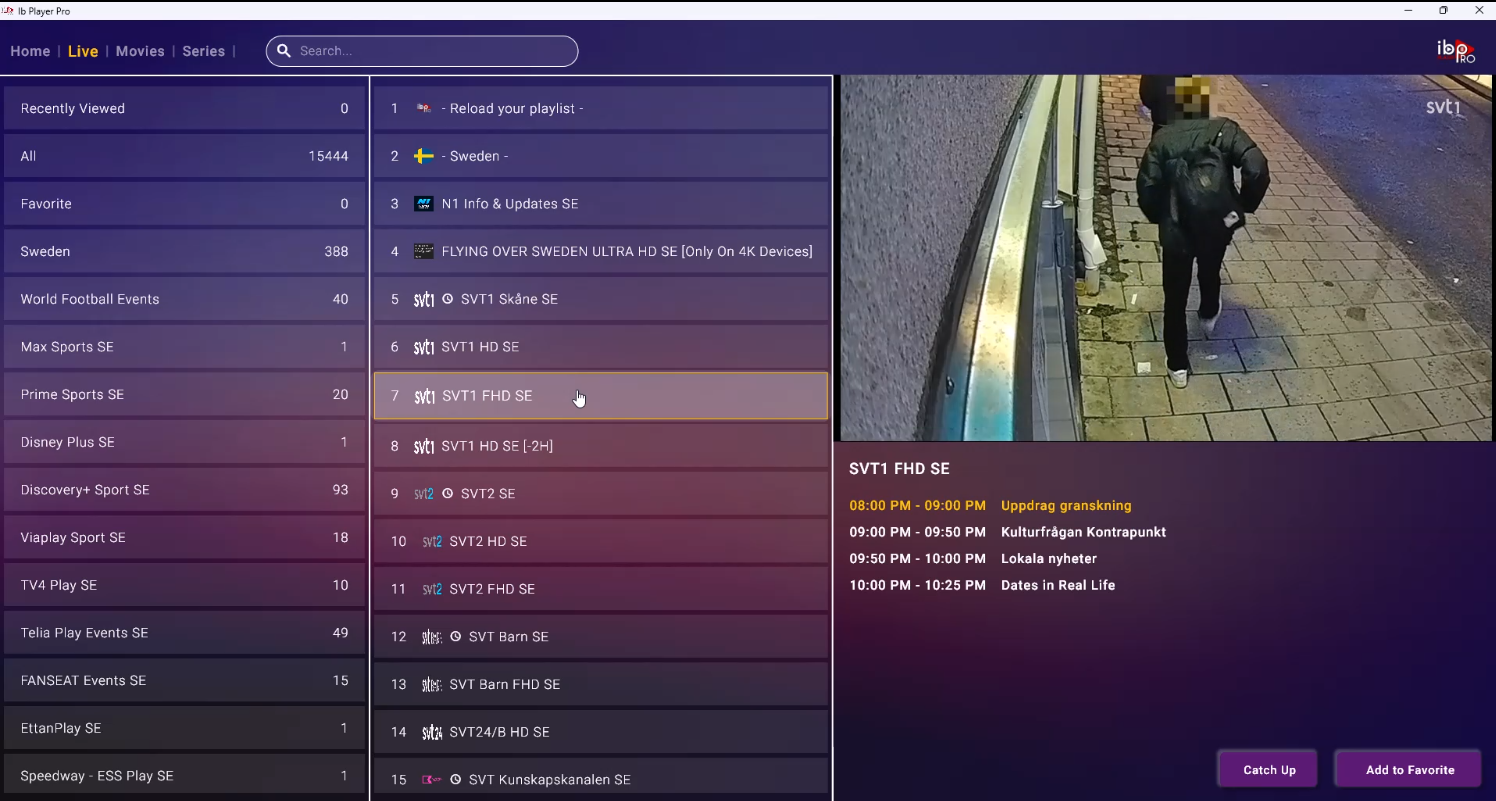
Your Live TV, Movies, Series and Favourites sections load. If you used the web manager, use Reload or reopen the app first.
Open the Microsoft Store and search Hot Player — product ID 9PL1L6TVQ60K. Select Get, then launch it from the Start menu.
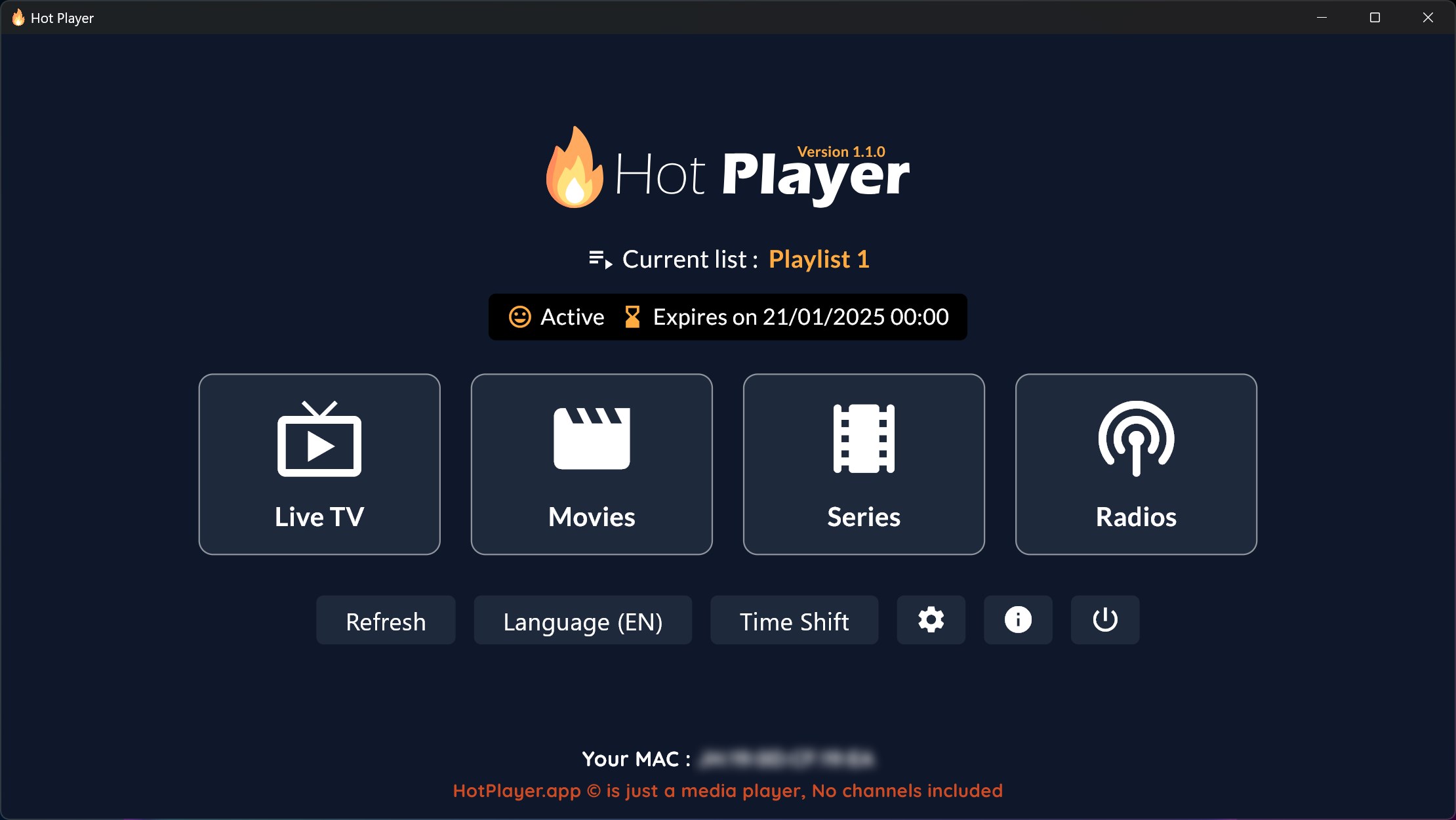
At the bottom of the app you'll find Your MAC or a device identifier. Copy it exactly — this is what links your playlist to this PC.

In your browser go to hotplayer.app/upload, enter that MAC and continue.
Hot Player always uses this route — there's no in-app playlist entry, so this step isn't optional.
Choose the format that matches what we sent you — the M3U link, or the Xtream server details. Name it EyePTV and save.
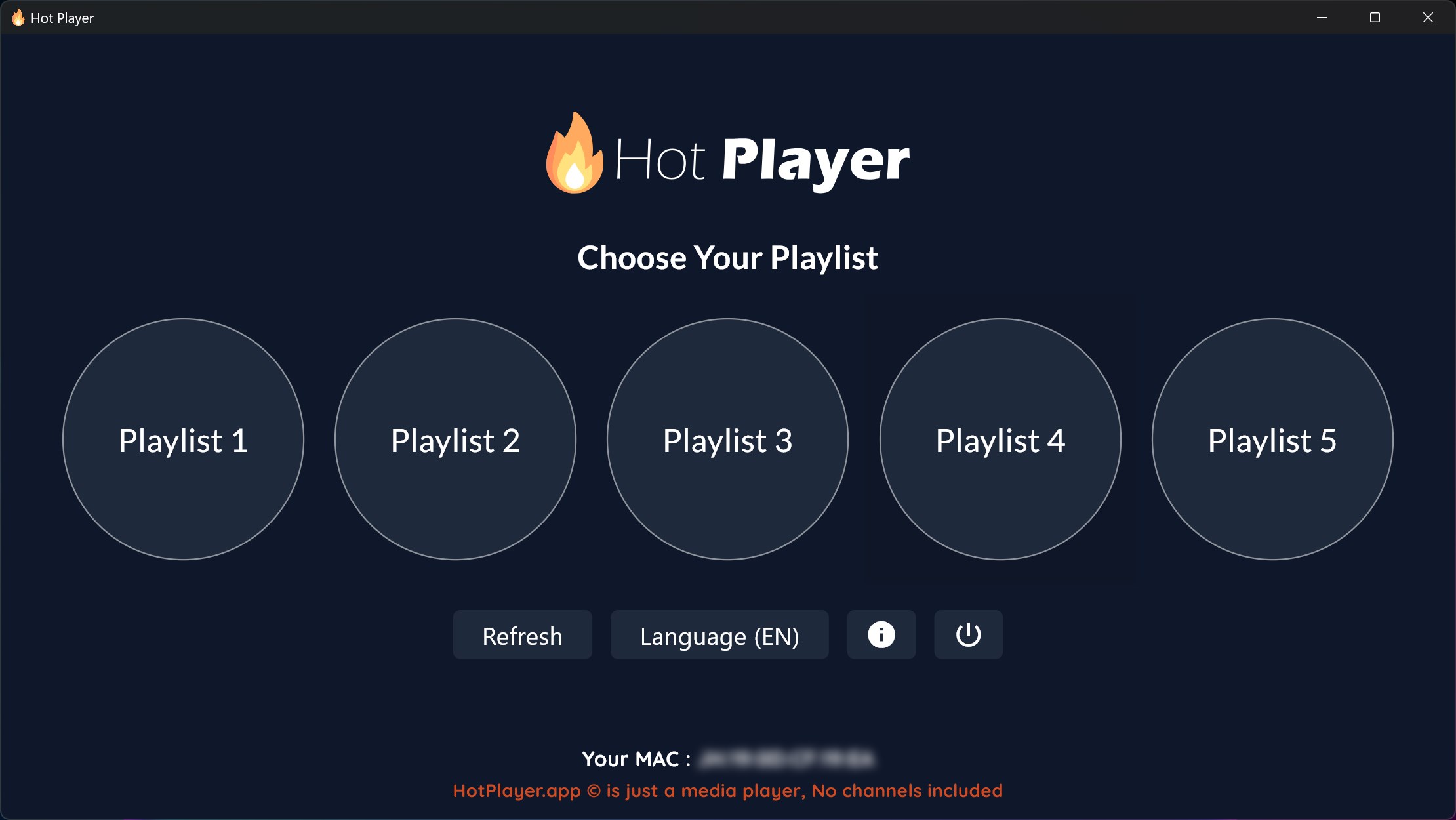
Back in Hot Player, click Refresh. If nothing changes, close the app fully and reopen it, then select the EyePTV playlist.
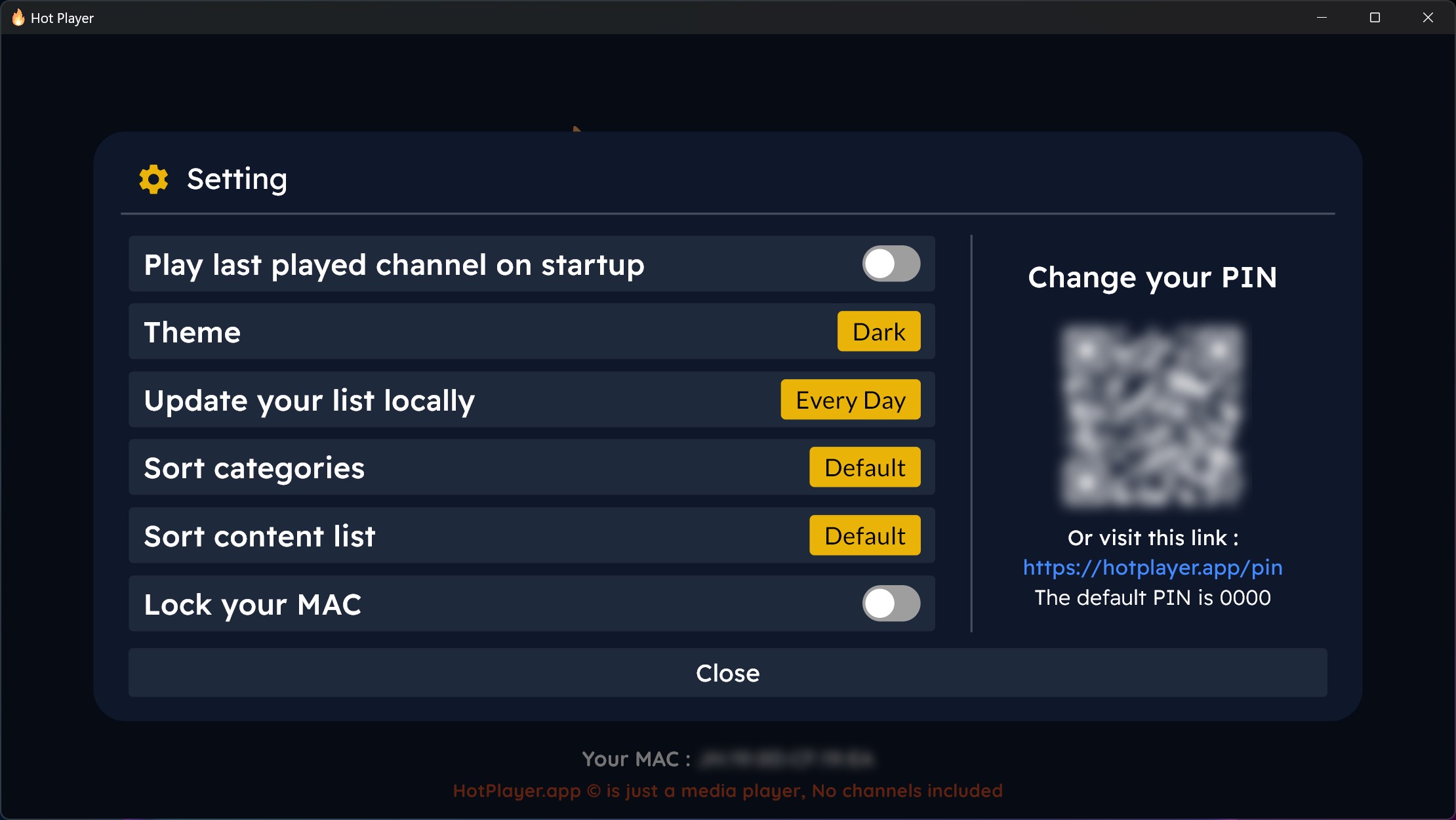
Hot Player has theme, update frequency, sorting and a PIN lock. Worth setting the PIN if the PC is shared.
Open Live TV, Movies or Series and you're watching.
If a player won't load your channels, this takes twenty seconds and tells you where the fault actually is. Open VLC, go to Media → Open Network Stream, paste the EyePTV M3U link and press Play.
If channels play in VLC, your subscription is fine and the problem is in the player setup — usually a mistyped field or a trailing space. If VLC also fails, send us a screenshot: that points at the account or the link, and it's ours to fix.
VLC is not a sensible daily player for IPTV. No TV guide, no categories, no favourites, no resume. Use it to diagnose, then go back to one of the two apps above.
The six things that go wrong on Windows, and how to fix them.
Store availability varies by Windows version, architecture and account region. Try the other app — if neither shows, message us and we'll find something that runs on your build.
Some builds don't expose it. Use the web manager instead: sign in with the MAC Address and Device Key the app shows, add the playlist there, then restart the app. That's step 5.
Paste each value again and check the very end of the server URL for a space. Use exactly the http or https and the port number we sent — changing either breaks it. Then try the VLC check above.
Re-check the MAC on the PC matches the one you entered on hotplayer.app, save the playlist again, then click Refresh. Closing and reopening the app forces it.
Check Wi-Fi versus Ethernet first, then close anything doing heavy downloads. If 4K stutters but HD is fine, that's bandwidth, not the app — 4K needs a steady 25 Mbps.
Only if your plan includes more than one connection. Installing the app in two places doesn't add one. Message us if you need a second stream.
Send us a screenshot on WhatsApp. Tell us which app you installed and whether the VLC check played or failed — that alone usually tells us what's wrong.
Get help on WhatsAppFour of the screenshots come from the apps' own Microsoft Store listings; the rest come from public pages showing these players, and each credits its source underneath. None are AI-generated. Store availability and interface layouts vary by Windows version and region. Product IDs checked August 2026.